
This guide will assist in the process of uploading Cox Campus course certificates to the Georgia Professional Development System for Early Childhood Educators (GaPDS).
Step 1
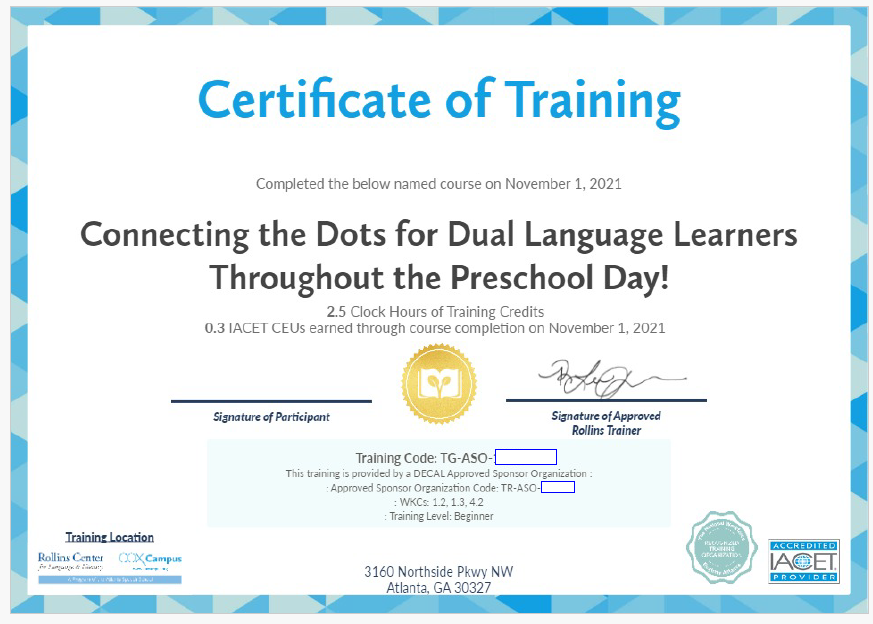
After completing courses, download and sign your Cox Campus Course Certificate(s).
Log in to your GaPDS account.
Step 2
Scroll down to the Training Information section and click the Update button.

Step 3
Select the Add New Training Button.
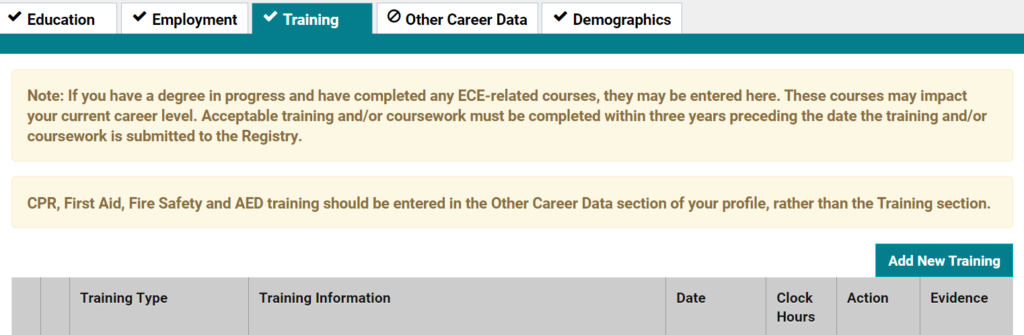
Step 4
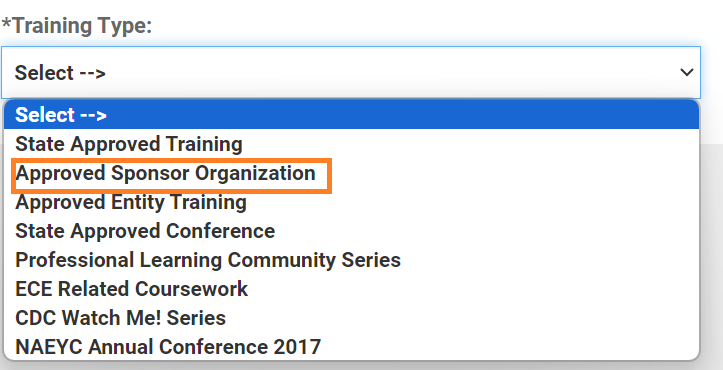
Under the Training Type field select Approved Sponsor Organization.
Step 5
Enter the code located toward the bottom of your Cox Campus certificate. Lastly, upload your signed course certificate as evidence.
Comments
0 comments
Please sign in to leave a comment.